
Last updated: November 19, 2026
Key Takeaways
- Open one reserve account, label it clearly, and send transfers into it on a set schedule.
- Keep reserve money separate from operating cash so everyday spending does not blur the balance.
- Clear transfer rules make movement automatic, limited, and easy to trace.
- Check fees, transfer limits, interest terms, access speed, and business-use rules before opening the account.
A freelancer’s reserve money should not sit in the same checking account as everyday spending. How Freelancers Set Up a Business Savings Account for Reserves is about giving those funds a separate home, making transfers easier to track, and possibly earning interest. In practical terms, the answer is usually one account, one purpose, and one transfer rule.
What this setup is for, and what it assumes
A business savings account for reserves is for freelancers who already have a business checking account and want a separate place for money they do not plan to spend right away. This guide assumes you already know your income is irregular and that you want cleaner separation between day-to-day cash and reserves.
This is information, not financial advice. Rules, account features, interest rates, transfer limits, and tax treatment vary by country and change often, so consult a qualified adviser for your own situation. For the banking side, the Consumer Financial Protection Bureau and your bank’s account terms are the pages to read first.
Picture this: you’re getting paid by three clients in the same week, and one invoice will not clear for 30 days. A reserve account keeps that money from getting mixed into rent, software, and ad spend.
That matters because reserve money has a job. It should sit apart, stay easy to identify, and move on purpose—not by accident.
- Business savings account: the storage place.
- Reserve fund: money set aside for planned gaps, equipment, or slow periods.
- Automatic transfer: a bank rule that moves money on a schedule.
- Cash buffer: money kept in checking so bills can clear.
How do freelancers set up a business savings account for reserves?
A freelancer sets up a business savings account for reserves by opening one account, naming the money inside it, and routing transfers into it on a schedule. The exact bank form is simple; the real work is in the structure you create around it.
Picture this: you’re opening the account on a laptop, and the bank asks whether it will be for business or personal use. The answer should match how you actually earn money, because the label affects recordkeeping and the way you sort transactions later.
Here is the process that keeps the account useful instead of vague:
- Open the account in the business name if your bank allows it. Use the same legal business name that appears on your checking account and tax records. Verify that the account can receive transfers from your business checking. If the bank forces a personal account for sole proprietors, the problem is mismatch in records, so ask how they want transfers labeled.
- Choose one reserve purpose before you fund it. Pick a single label such as “slow-month reserve,” “equipment reserve,” or “tax reserve” if your other site page covers taxes separately. Verify that the purpose is narrow enough to track. If the account is for everything, the balance becomes meaningless.
- Set one cash buffer in checking first. Keep enough in checking to cover ordinary bills and card drafts before moving money out. Verify that moving reserves will not create overdrafts or payment failures. If the checking balance dips every month, the transfer amount is too high.
- Turn on an automatic transfer. Schedule a transfer from checking to savings after each payment run or on a fixed monthly date. Keep the amount small enough that it does not break cash flow. If the transfer depends on memory, it will be skipped.
- Label the account in your own records. Use a spreadsheet, accounting software, or the bank’s memo field to note the purpose and transfer date. Verify that you can match each transfer to the income event that funded it. If you cannot explain the source, the reserve gets muddy fast.
- Separate reserve buckets only if the bank supports them cleanly. Some banks let you create sub-accounts or “buckets”; others do not. Verify that each bucket has one purpose and does not add fees or transfer friction. If the bank makes buckets hard to read, one savings account with clear notes is cleaner.
- Check whether the account earns interest. Interest is money the bank pays for holding your balance. Verify that the rate is still worth the trade-off against transfer speed, fees, or minimum balance rules. If the account pays little and creates extra friction, simplicity may beat a fancy setup.
- Review the setup every quarter. Look at three months of transfers, withdrawals, and ending balances. Verify that the reserve is still serving the purpose you assigned. If you keep raiding it for ordinary spending, the structure is wrong, not the account.
The result should be simple rather than flashy. Money moves in, a slice moves out on schedule, and the reserve balance stays easy to describe in one sentence.
What should go in the reserve account, and what should stay out?
A reserve account should hold money you do not plan to spend from operating checking, and it should not become a spare wallet for random purchases. The whole point is to create a visible boundary.
Picture this: you’re tempted to sweep every extra dollar into savings, then discover a software bill, a license renewal, and a camera repair in the same week. A reserve account works only if it keeps a job description.
Use clear savings buckets if your bank allows them, but keep the rules simple. One bucket can hold equipment replacement money; another can hold a cash buffer tied to business operations. If you are mixing tax money, slow-period money, and emergency money in the same place, the balance may look healthy while the purpose is unclear.
A practical split looks like this:
- Operating checking: invoices collected, bills paid, card charges cleared.
- Reserve savings: planned outflows that should not touch daily spending.
- Separate cash buffer: the amount that prevents overdrafts and timing gaps.
- Interest-bearing savings: a place for money that will sit long enough to matter.
The truth is, many freelancers do not need more than one savings account. A single reserve account with careful notes often beats three accounts with vague labels. On the flip side, if your bank offers separate buckets at no extra cost, that can make recordkeeping easier.
What transfer rules keep the account useful?
Transfer rules keep the account useful by making movement automatic, limited, and easy to trace. Without rules, a reserve account turns into a random pile of cash with a nice interface.
Picture this: you’re paid on Friday, two invoices clear on Monday, and the money seems larger than it really is. That is exactly when transfer rules save you from guessing.
Use these guardrails:
- Transfer after revenue lands, not before. If your income is irregular, a fixed date can still work, but it should happen after you know the money arrived. That reduces overdraft risk.
- Keep one transfer trigger. Pick payment receipt, month-end, or a weekly sweep. Multiple triggers create double moves.
- Set a floor in checking. Leave enough cash there for the next 7 to 30 days of normal bills, depending on how your payments clear.
- Use bank alerts. A low-balance alert or transfer confirmation helps you spot a failed move fast.
- Pause transfers when cash is tight. If a slow month hits, stopping the transfer is better than overdrawing.
- Write the rule down. If you cannot explain the rule in one line, it is too loose.
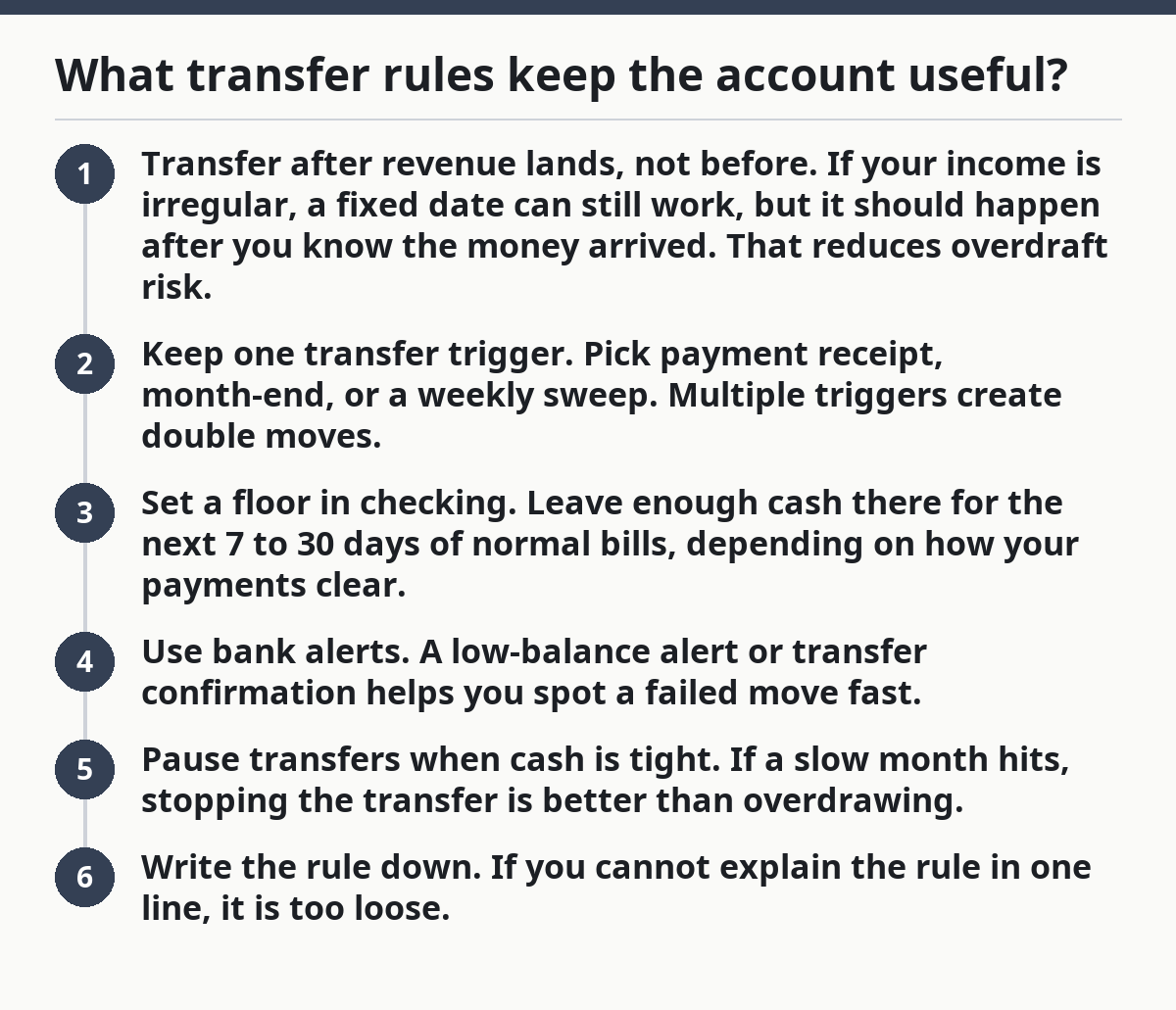
A good transfer rule has a visible trigger, a ceiling, and a stop point. If it has none of those, it is just wishful thinking.
What should you check before opening one?
A business savings account should be checked for fees, transfer limits, interest terms, access speed, and the bank’s rules on business use. Those details matter more than the account name on the homepage.
Picture this: you’re comparing accounts and one looks tidy, but the fine print has minimum balance rules, transfer caps, or a long hold on incoming money. That is where reserve plans get derailed.
Before you open the account, check these points:
- Monthly fees: a fee can wipe out the point of keeping a small reserve.
- Transfer limits: some banks cap how many transfers you can make.
- Access speed: if withdrawals take time, keep more in checking.
- Interest terms: a higher rate is useful only if the account still fits your cash flow.
- Business eligibility: some accounts are meant for entities, not sole proprietors.
- Record tools: downloadable statements and clear transaction descriptions save time later.
For a neutral starting point, read your bank’s business account terms and a government consumer finance page such as the Consumer Financial Protection Bureau’s deposit account guidance. For business structure and records, your country’s tax authority and a professional bookkeeping body are better sources than a sales page.
When does this setup stop working?
This setup stops working when the account becomes the wrong tool for the money you are holding. The problem is usually not the bank; it is the mismatch between the account and the purpose.
Picture this: you’re keeping funds for a planned bill, but the account has transfer delays, low interest, and awkward limits. At that point, the structure is helping the bank more than it is helping you.
Stop using this exact setup, or change it, in these cases:
You need the money within a day or two: a savings account may be too slow for that timing — keep more in checking.
The bank charges fees that eat the balance: small reserves lose value fast — move to a no-fee option.
You cannot separate tax money from reserve money: the balance is no longer easy to track — use different buckets or a different account.
Your transfers keep bouncing: the schedule is too aggressive — lower the transfer amount or change the trigger.
Your reserve is being tapped for routine spending: the account has become a second checking account — tighten the rules or rename the purpose.
The bank’s business rules do not fit your setup: some institutions want formal business documentation — use an account type that matches your entity and records.
This is also the point where a qualified accountant or financial adviser can help with the structure of your cash management, because account design can affect tax records and operating clarity.
Common mistakes freelancers make with reserve accounts
Freelancers usually make the same six mistakes with reserve accounts, and each one has a cost. The fix is simple, but only if the account has a real job.
Picture this: you’re trying to be organized, but the reserve grows messy because every transfer has a different excuse. That is how savings stops being savings.
-
Using one account for everything.
Consequence: you lose track of what the balance means.
Better move: give each account or bucket one purpose. -
Setting transfers by hope instead of timing.
Consequence: the transfer gets skipped during busy weeks.
Better move: automate the move after income lands or on a fixed review day. -
Keeping too little in checking.
Consequence: bills fail or cards decline.
Better move: leave a cash buffer in operating funds before sweeping savings. -
Ignoring bank fees.
Consequence: the reserve shrinks without helping you.
Better move: choose an account that does not punish small balances. -
Treating interest as the main goal.
Consequence: you may choose a hard-to-use account for a tiny payout.
Better move: put ease of transfer and clear records first. -
Raiding the reserve for normal spending.
Consequence: the account stops protecting you in lean weeks.
Better move: define what counts as a true reserve use before the money is moved.
The right setup is not complicated. It is disciplined.
What if your freelance income is irregular?
Irregular income changes the timing, not the logic, of the account. You still want reserves separate from checking, but your transfers should flex with real cash flow.
Picture this: you’re paid $0 one week and two clients pay the next. A rigid monthly move can be fine for one freelancer and impossible for another.
Use these adjustments:
- If income lands in bursts, move a small percentage after each payment instead of one large monthly sweep.
- If one client pays late, pause the transfer rather than emptying checking.
- If your bank offers sub-accounts, use them only when they reduce confusion.
- If transfers have delays, keep a larger cash buffer in checking.
- If your reserve is for equipment or planned purchases, tag each deposit with the purpose and month.
Do not force a standard formula onto a cash pattern that does not fit. The account should follow the income stream, not fight it.
How do you know the setup is working?
The setup is working when you can name the balance, the purpose, and the transfer rule without checking your app. If you need to hunt through statements to explain the account, the structure is too loose.
Picture this: you’re reviewing your finances at the end of the month, and the reserve balance matches the label you gave it. That is the sign you built a usable system, not just another savings tab.
A good result usually looks like this:
- transfers happen on schedule or by rule,
- checking stays high enough for bills,
- reserve money does not get spent casually,
- statements are easy to read,
- the account earns interest without creating friction.
If those things are not happening after a few months, change the system. Better a plain account that works than a clever setup that confuses you.
For a broader bank-account map, the hub on freelance banking and payment accounts can help you see where this savings account sits next to checking and payment tools.
Do freelancers need a separate savings account for taxes?
Not always. A separate account can make tax money easier to track, but this page is about reserves, not tax sinking funds. If your tax handling is already covered elsewhere in your system, a single reserve account may be enough for non-tax cash needs.
Can a business savings account hold emergency reserves?
Yes, it can hold emergency reserves if that account is the right place for money you may need later. The main question is access and clarity. If the balance is easy to identify and the bank’s terms fit your business use, it can work.
Drafted with AI; not yet reviewed by a person.