Last updated: November 19, 2026
Your freelance business address can be public without being your home address. Quick Answer: 1 of 3 common setups usually solves this—virtual mailbox, PO box, or registered agent address. The simplest answer is a virtual mailbox or a PO box, with a registered agent address used only where it fits the legal form. This guide on How to Set Up a Freelance Business Address Without Using Your Home Address covers what each one does, what it won’t do, and which setup fits a client-facing freelance business mailing address.
Key Takeaways
- A freelance mailing address can be public even if your home stays private.
- A virtual mailbox gives you street-address formatting and mail scanning, which helps on forms that reject PO boxes.
- A PO box is cheaper and fine for mail, but some services and client forms won’t accept it as a street address.
- A registered agent address is not a client-facing address; it is for formal notices tied to an entity, and you should consult a professional or the state filing instructions for your situation.
- Google Business Profile can show a service-area listing without putting your home on display.
- The right setup depends on who needs the address: clients, platforms, tax forms, or mail.
What address do freelancers actually need?
A freelancer needs a public mailing address that matches the job the address has to do. That sounds simple, but the same address may need to work on invoices, tax forms, client contracts, and online profiles, and those uses do not all have the same rules.
Picture this: you are filling out a client onboarding form, and the field says “street address,” not “mailbox.” A PO box may fail there. A virtual mailbox often fits better because it gives you a street-style address and can forward mail. A registered agent address is a different tool entirely, usually tied to formal business paperwork, not day-to-day client contact.
For a freelance business address, think in 4 buckets:
- Client-facing: what clients see on invoices, proposals, or your website.
- Mailing: where letters and parcels go.
- Legal: where formal notices go if you have a registered entity.
- Directory: what appears in Google Business Profile or similar listings.
The biggest mistake is trying to make one address do all 4 jobs. That can create privacy leaks or rejected forms. The better move is to pick the address for the job, then keep the rest quiet.
If you want the wider setup picture, the freelance business setup hub should sit above this page. This article only handles the address piece.
What are the main options for a freelance business mailing address?
A freelance mailing address can be a virtual mailbox, a PO box, a registered agent address, or a client-facing street address you control for public use. Each one solves a different problem, and each has a limit.
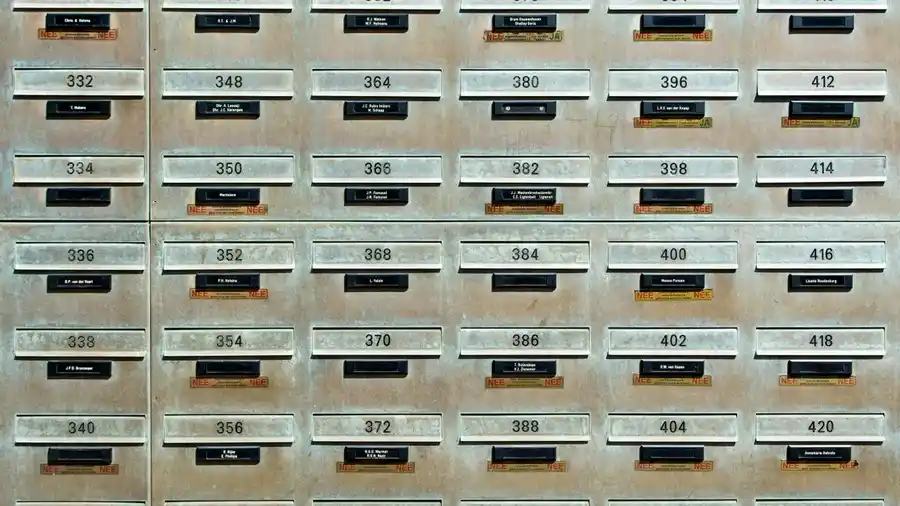
Picture this: you want privacy, but you also need to receive checks, notices, and equipment returns without sending everything to your apartment. A virtual mailbox is often the cleanest middle ground. It gives you a street address format and often lets you view mail remotely. A PO box is simpler and can be cheaper, but it may not work where a real street address is required. A registered agent address only makes sense if your entity needs one. It is not a substitute for a general office or a storefront-style contact point.
Here is the catch: the right option depends on who is asking for the address.
- Virtual mailbox: useful for freelancers who want privacy and a street-style address.
- PO box: useful for basic mail pickup when street formatting does not matter.
- Registered agent address: useful only for legal notices connected to an LLC or corporation.
- Client-facing street address: useful when a contract, vendor form, or listing needs a real street address and you have access to one that is not your home.
One practical test helps: if the address will appear on a public page, assume it should not point to your living room. If it will only receive legal mail, keep it in the legal lane. If it needs to pass a form that rejects PO boxes, use a format that looks like a street address.
How do you set it up step by step?

You set it up by choosing the use case first, then opening the right service, then changing every public form to match that choice. The process is usually done in 30 to 60 minutes for the setup itself, though mail changes and profile edits can take longer.
Picture this: you already have clients, but your site footer still shows your apartment address. You need a cleaner system without rebuilding your whole freelance life. Start with the address type, not the provider, because that decision affects what you can publish, where mail lands, and whether forms accept the field at all.
- List every place your address appears. Check your website, invoices, contact pages, proposals, payment profiles, and business listings. You are looking for anywhere your home could leak into public view.
- Choose the address type that fits the job. Use a virtual mailbox for public-facing mail, a PO box for simple delivery, or a registered agent address only for legal notices.
- Open the service under the name you use for freelance work. Match the name carefully so mail is not delayed or refused.
- Set mail handling rules. Decide whether mail gets scanned, forwarded, held, or shredded. A virtual mailbox often lets you choose between those actions.
- Update your public forms. Replace your home address on your website, Google Business Profile, and client documents where the address is meant to be public.
- Keep a private backup record. Save the service address details and any mailbox number in one place so you can update vendors later if the address changes.
A clean setup has one more rule: do not mix your public address with places that should stay private. That means the invoice footer, the Google listing, and the legal filing lane may not all be the same.
Can you use a PO box for a freelance business address?
A PO box can work for mail, but it often fails where a street address is required. That makes it useful for some freelancers and useless for others.
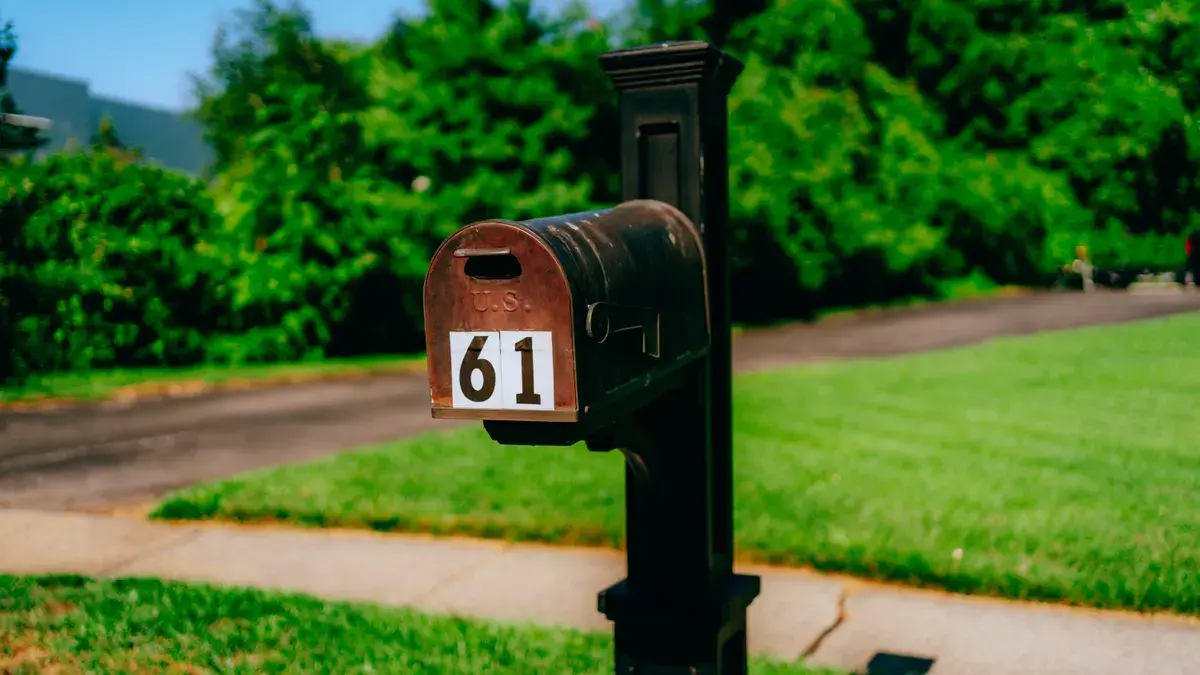
Picture this: you just want a safe place for letters, checks, and flat envelopes, not a full office identity. A PO box is the plainest option. It can keep your home address off envelopes and give you a stable mailing point even if you move. The limit shows up when a form asks for a physical address, a service area listing, or a vendor profile that rejects mailbox formats.
That limitation matters in three places:
- Public websites that want a street address in the footer or contact page.
- Platforms and vendors that reject P.O. Box formatting.
- Delivery situations where packages need a real street location.
A PO box is also poor for a client-facing address if clients expect to drop off paperwork or returns in person. It is a mail slot, not an office.
The best use case is narrow and practical. If you only need a stable place for letters and you do not need street formatting, a PO box is fine. If you want the address to appear on public pages or client forms, a virtual mailbox is usually the better fit.
How does a virtual mailbox protect privacy without looking like a home address?
A virtual mailbox protects privacy by giving you a public street-style address while keeping your home address off most client-facing materials. It is the strongest privacy choice for many freelancers because it does more than hold mail; it also helps with presentation.
Picture this: you want to publish an address on your website, but you do not want clients to see a house number or apartment unit. A virtual mailbox usually gives you a real street address format and lets a provider receive mail for you. It can scan, forward, or hold items based on your instructions. That means you can keep your actual residence out of the spotlight.
Use this option when you need one or more of these:
- A street-address format for forms or profiles.
- Remote access to incoming mail.
- A public address that looks more professional than a mailbox number.
- A way to separate business contact mail from personal mail.
The trade-off is simple. You are paying for convenience and privacy, not a full office. Some providers limit package size, reject certain shipments, or charge for extra handling. That can be annoying if you receive a lot of large parcels or physical returns.
For many freelancers, this is a strong middle ground. It is especially useful when you work from home but do not want that fact on the internet.
Where does a registered agent address fit?
A registered agent address fits legal paperwork, not client contact. It is the address used for formal notices tied to an entity, and it should not be treated as your public freelance storefront; consult a professional or the state filing instructions if you are unsure how your entity is set up.
Picture this: you formed a separate entity and now a state form asks for a registered agent. That address has a narrow job. It receives official mail during business hours and keeps legal notices from landing at your home. It does not replace your website contact page, and it does not solve the problem of public-facing privacy by itself.
That distinction matters because many freelancers confuse “legal address” with “business address.” They are not the same thing.
- Registered agent address: for service of process and official notices.
- Mailing address: for letters, tax mail, and general correspondence.
- Client-facing address: for public contact information and listings.
If you are a sole freelancer with no entity, a registered agent may not even be part of your setup. If you do have one, keep the roles separate so clients are not pointed at the wrong place. A registered agent service can be a privacy tool, but only in the lane it was built for.
The clean rule: use the registered agent address for formal filings, and use a virtual mailbox or other public mailing address for client-facing contact.
How do you keep clients, profiles, and forms consistent?
You keep everything consistent by choosing one public address format and using it everywhere a client can see it. A mismatch between your site, your invoices, and your Google Business Profile creates confusion fast.
Picture this: one client sees a street address on your site, another sees a PO box on an invoice, and a third finds no address at all on Google. That looks sloppy, and it can trigger form rejections or trust issues. The fix is boring but effective: decide what the public address is, then copy it exactly.
Use this short checklist:
- Put the same address on your contact page, footer, and invoices if those are public.
- Make sure your Google Business Profile matches the public use of that address.
- Keep private addresses out of PDFs, email signatures, and proposal templates.
- Watch for spelling differences, suite numbers, and mailbox formats.
- Update old templates before you send the next round of documents.
Google Business Profile is worth special care. If you work from home and do not welcome visitors, a service-area setup may be the better fit than showing a street address. That keeps your address hidden while still letting people find your freelance service.
The main point is simple: privacy fails through little leaks. One old template can undo the whole setup.
What mistakes cost freelancers the most?
The most expensive mistake is using the wrong address type for the wrong job. That leads to rejected forms, exposed home details, missed mail, or clients showing up where they should never show up.
Picture this: you set up a PO box because it was easy, then a platform asks for a physical address and rejects it. Now you are fixing paperwork instead of working. Or you publish your apartment on your website because it seemed simpler, and privacy disappears the moment the page goes live.
The common mistakes are easy to spot:
- Using a home address by default because it takes 2 minutes less.
- Using a PO box for everything and finding out it fails on street-address forms.
- Using a registered agent address as a public contact point, which is the wrong job.
- Leaving old addresses on profiles after you switch.
- Mixing personal and client mail so important letters get buried.
The fix is just as practical. Pick one public-facing mailing address, keep legal notices in their own lane, and audit your public pages every few months. A 10-minute review can save a lot of cleanup later.
If privacy is the reason you started this process, do not stop halfway. Half-hidden still means exposed.
What does a clean freelance address setup look like?
A clean setup uses one address for public mail, one for legal notices if needed, and nothing private on public pages. That structure is simple, and it scales better than trying to make your home do every job.
Picture this: you open your laptop, send an invoice, and check mail from a service address without giving anyone your apartment details. That is the goal. For many freelancers, the cleanest setup is a virtual mailbox for public use, a PO box only if street formatting is not needed, and a registered agent address only when a formal entity requires it.
The clean setup usually looks like this:
- Public contact: virtual mailbox or other street-style mailing address.
- Legal notices: registered agent address if you have one.
- Low-cost mail-only use: PO box when forms allow it.
- Directory listing: Google Business Profile configured to hide the home address.
You do not need a complicated office lease to do this well. You just need the right address for the right task and the discipline to keep your templates aligned.
If you need a starting point for the rest of your setup, the freelance business setup hub belongs next in the journey. This page just gives you the address system that keeps your home private.
Can freelancers use a PO box for business?
Yes, freelancers can use a PO box for some business mail, but not for every form or profile. A PO box works well for letters and a basic mailing point, yet many places want a street address instead. If you need public-facing contact details or platform verification, a virtual mailbox is usually the safer fit.
Is a virtual mailbox legal for tax forms?
Yes, a virtual mailbox can be used in many cases where a mailing address is needed, but tax forms can have their own rules. The form matters, not just the mailbox. If a form asks for a physical address, a mailbox may not fit. When in doubt, check the instructions for that specific form or ask a qualified tax professional.
Can I hide my home address from clients?
Yes, you can hide your home address from clients by using a public mailing address instead of your residence.
Drafted with AI; not yet reviewed by a person.