Last updated: November 05, 2026
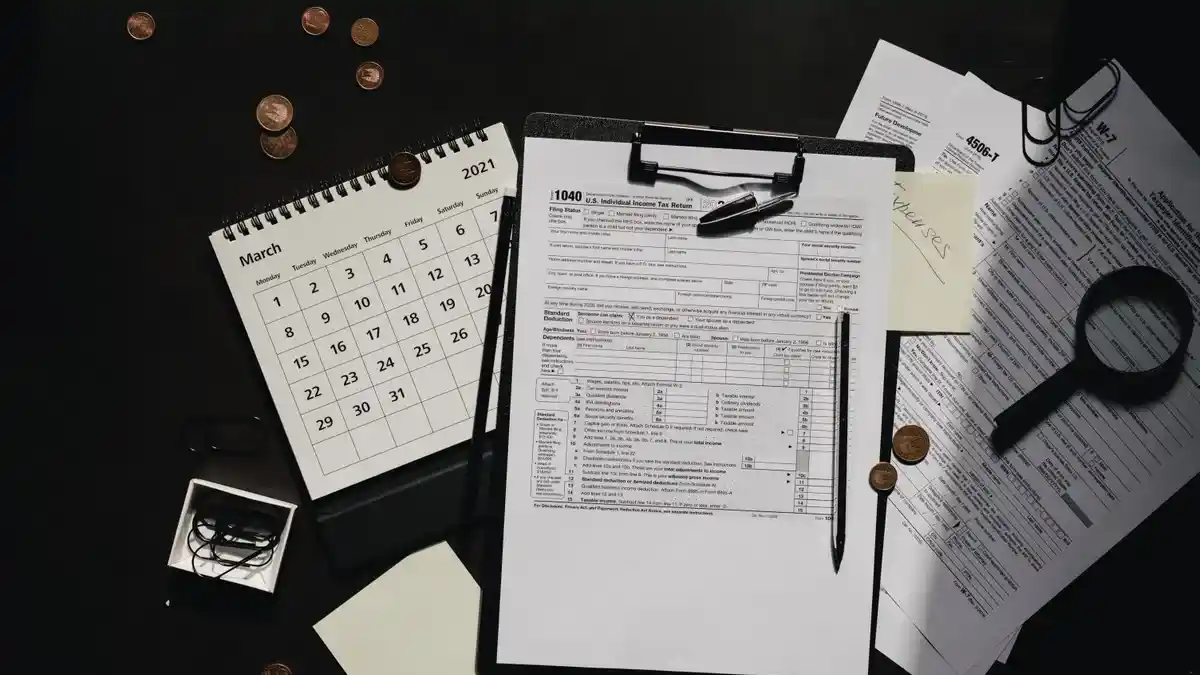
Quick Answer: most teams can collect client tax forms before year-end in 3 steps—ask early, track the response, and reconcile the record before December 31. How to Collect Client Tax Forms Before Year-End is an administrative workflow: ask for the right paperwork early, verify the tax ID details, record what arrived, and send year-end reminders before December gets busy. This matters most for freelancers and small businesses that need a clean vendor record, a usable invoice trail, and fewer missing taxpayer details when forms are issued after year-end. This is information, not financial advice; tax rules differ by country and change often, so a qualified adviser should be consulted for your situation.
Who this process is for, and what it assumes you already have
This process is for a freelancer, contractor, or small service business that needs a practical way to gather tax paperwork from payers before the calendar closes. It assumes you already have a basic client onboarding packet, a CRM or spreadsheet for vendor records, and a way to attach a tax form request to your invoice or intake process. It also assumes you know which form you are asking for, most often a W-9 in the United States, and that you understand a taxpayer identification number, or TIN, is the identifying number used on tax records. The IRS form W-9 instructions explain the legal name and TIN fields for U.S. payees.
This is not the right process if you are trying to fix a filing problem, determine whether a form is required in your country, or sort out a disputed tax classification. It is also not the right tool if your recordkeeping is already outsourced to a bookkeeper or tax professional who has a separate collection workflow. In those cases, the better move is to align your paperwork with the person responsible for reporting.
A useful collection process has one job: make it easy for the payer to return complete information before year-end, without turning your inbox into a scavenger hunt. If you do that well, your vendor file is cleaner, your year-end follow-up is shorter, and the chance of chasing missing taxpayer details in January drops sharply. For broader payment systems, this page supports the hub on freelance income and payment operations.
What to check before you send a W-9 request
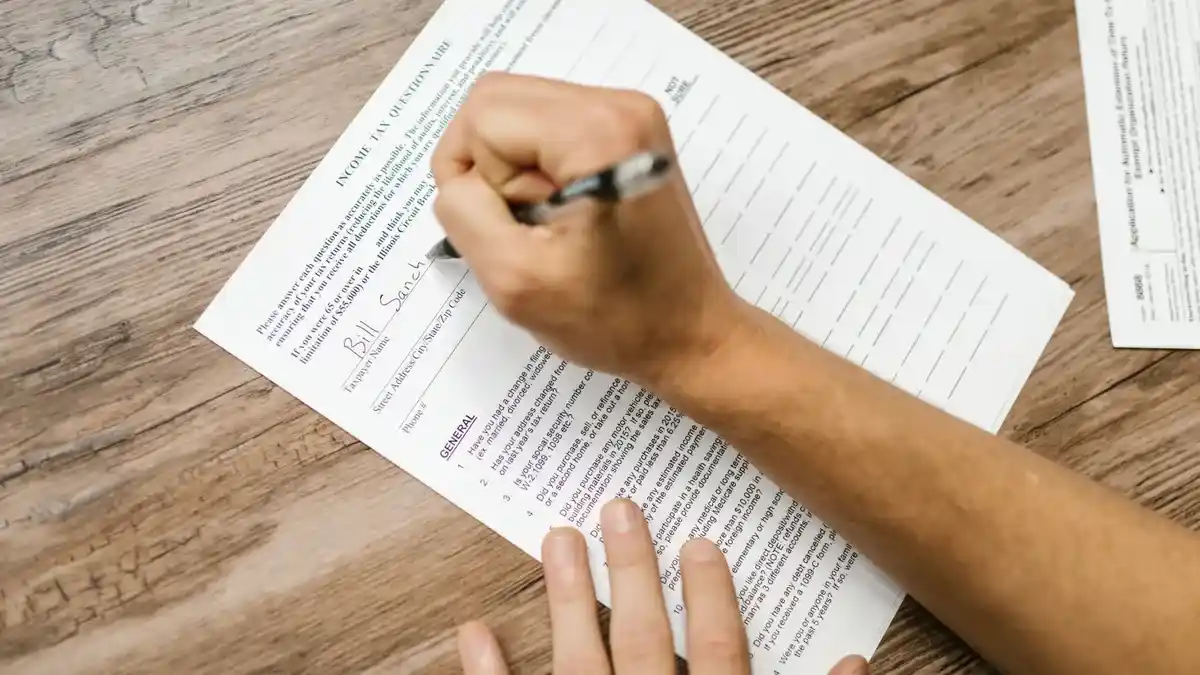
The most reliable way to collect tax forms is to know what you need before you ask. A complete request usually includes the vendor name you will report under, the correct legal entity name if it differs from the public-facing name, the mailing address you will use for records, and the TIN if a form such as a W-9 is involved. If you are using a CRM, check that the contact record matches the name on invoices and the name you will keep in the vendor file.
Start by matching the payer name and payment path against the form you need. In the U.S., the W-9 is the standard request for a TIN and certification details from a U.S. person or entity. In other countries, the equivalent request may be different, so do not assume the same form applies everywhere. If the payer has already given you a completed onboarding packet, compare it against the current vendor record rather than asking again blindly. The IRS publishes the current W-9 form and instructions on IRS.gov.
Check whether the form request belongs in your normal onboarding packet or as a separate year-end reminder. If a relationship is new and the first invoice has not gone out, ask for the form with onboarding. If the relationship is already active and December is approaching, use a short reminder tied to the next invoice or payment cycle. A request that arrives with a deadline and a reason usually gets answered faster than a vague message.
One practical check is whether your record system can flag missing taxpayer details. A simple tag such as “W-9 needed,” “TIN pending,” or “vendor record incomplete” keeps the issue visible. If that tag does not exist, the problem often hides until year-end, when the back-and-forth is slowest.
How do I collect client tax forms before year-end?
Collect them by asking once, asking clearly, and tracking the response in the same place every time. A clean workflow is more important than a long explanation.
-
Identify every active payer that needs a tax form from you, then list them in your CRM or spreadsheet.
Include the legal name, contact person, email, invoice status, and whether a W-9 or another tax form is needed. Verify that the list matches your unpaid and paid invoice records. If names or emails do not match, the collection request may go to the wrong person. -
Choose the exact form and the exact reason for the request.
Say what you need, such as a completed W-9 for vendor records, rather than “tax info.” Verify that the request matches the payer type and jurisdiction. If you cannot identify the form with confidence, the problem is not collection; it is classification, and you should stop and get qualified help. -
Send the request with the onboarding packet or a short stand-alone message.
Attach the form if you need a signature or completed fields, and include a deadline before year-end, such as “please return by December 15,” if that fits your workflow. Verify that the email includes the name, invoice reference, and a plain instruction like “return the completed form by reply email or secure upload.” If you are unsure whether that channel is appropriate, consult a tax or compliance professional and follow the payer’s preferred intake guidance; IRS guidance on form handling and your own compliance policy are the safest references. If the message is vague, the response will be vague too. -
Ask for the missing taxpayer details in one pass.
If the form is incomplete, request the exact fields that are blank: legal name, entity type, address, and TIN if applicable. Verify that you are not asking for extra data you do not need, because that creates hesitation and delays. A problem shows up when the payer asks, “Which box do you need me to fill in?” -
Record each response in the vendor file the day it arrives.
Save the form to the correct contact record, mark the date received, and note whether it is complete. If you use a file naming pattern, keep it consistent, such as surname_year_formtype. Verify that the document is attached to the right vendor and not buried in a general inbox. A missed attachment is a common way a form appears “received” but remains unusable. -
Run a year-end reminder on the accounts that are still open.
Send a brief reminder to anyone who has not responded after your first request. Keep the reminder practical: say what is missing, where to send it, and why it matters for the year-end file. Verify that your reminder list excludes already completed records. If you send the same reminder to everyone, the process looks careless and people start ignoring it. -
Reconcile the form against the invoice and vendor record before closing the year.
Compare the legal name, address, and TIN in the form with your invoice and CRM record. Verify there are no mismatches, initials where a legal name is required, or old addresses from a prior year. If the form and invoice disagree, do not assume the tax record is correct; fix the record first, then archive the form. -
Close the loop with a status label so the record is searchable later.
Mark the vendor as complete, pending correction, or not received. Verify that anyone who handles payments can see the status without opening the full file. If the workflow ends with a pile of PDFs and no status, the same collection work repeats next year.
A good result is simple: you know who returned the form, which records are complete, and which ones still need a follow-up before year-end closes. The process should take minutes per record once the template and tracking fields exist.
What should be in the request, and what should stay out?

The request should be short enough to answer in one sitting. A payer should see the form name, the reason you need it, the deadline, where to send it, and what to do if a detail is missing. If you are asking for a W-9, the request should point directly to the form and mention that the TIN and legal name must match the invoice and vendor record.
A strong request usually includes three items from your onboarding packet: the contact name, the payment record, and the form instructions. It may also include a note that the form will be stored in your vendor records and used for year-end reporting purposes. That kind of note helps the payer understand why you are asking before any tax issue arises.
Leave out tax advice, legal interpretation, and long explanations about reporting thresholds. Those topics are real, but they belong in a separate tax workflow and often vary by jurisdiction. A request that tries to teach the recipient how taxes work tends to get ignored because it reads like homework.
Keep the message narrow enough that the payer can reply without research. If you need an electronic signature, say so. If you need the form returned as a PDF or photo, say so. If your CRM supports a secure upload link, use it instead of asking for free-form email attachments, especially when the form contains a TIN; if you are unsure, consult a tax or compliance professional and follow your organization’s security policy. The less ambiguity in the request, the fewer missing taxpayer details you will chase later.
When should I stop and get qualified help?
You should stop and get qualified help when the problem is no longer collection and has become interpretation, classification, or a possible reporting error. The following situations need a tax professional or another qualified adviser:
You do not know which form applies: That means the collection workflow is not defined — stop and get help before asking for the wrong document.
The payer is in another country: Cross-border rules differ and can affect what you may request — confirm the required form and reporting path with a qualified adviser.
The legal entity name on the invoice does not match the tax record: That can create a mismatch in vendor records — do not guess; correct the entity details first.
The TIN is missing, incomplete, or clearly wrong: A bad taxpayer number can make the record unusable — request a corrected form and get guidance if the mismatch affects reporting.
The person says they are exempt or uses a special tax status you do not understand: That changes the paperwork — pause and verify the status before you file or store anything as final.
You suspect the wrong form was previously collected: That can contaminate the year-end file — have a professional review the record before you rely on it.
These are not just paperwork issues. They can affect whether the record is usable later, and the fix is usually slower if you wait until January. If the case is straightforward and domestic, the normal collection process is fine. If it is not straightforward, a generic reminder email is the wrong tool.
The mistakes that make year-end collection drag on
The most common mistake is asking for “tax info” instead of a specific form. That turns a 2-minute reply into an open-ended task. The better alternative is to name the document, the deadline, and the exact fields you need.
Another mistake is sending the request too late, often after the December payment rush has already started. That creates a queue of unfinished records and more follow-up in the first week of January. The better alternative is to build the request into onboarding and send a year-end reminder before the last payment cycle is closed.
A third mistake is collecting the form but failing to update the CRM or vendor record the same day. That leaves you with a PDF that exists somewhere but cannot be found when the invoice file is reviewed. The better alternative is to attach the form to the record and mark the status immediately.
A fourth mistake is using a casual inbox thread with no subject line convention or file naming pattern. Two months later, nobody remembers whether the file is the current one. The better alternative is a consistent subject line, such as “W-9 received” or “Vendor tax form pending,” and a standard file name.
A fifth mistake is overlooking the invoice details while reviewing the form. If the address or legal name on the invoice is stale, the tax record may look fine while still being wrong. The better alternative is a 1-minute reconciliation between the form, the invoice, and the vendor profile.
What changes when the standard process does not fit?
The standard process needs adjustment when the relationship is large, recurring, or handled through a platform. If one payer sends dozens of invoices each month, the form request should be part of a structured onboarding packet rather than a one-off email. If a procurement or AP team is involved, use their intake channel, because a random email may never reach the person who manages vendor records; when in doubt, confirm the channel with the team or a qualified adviser.
If the payer uses a secure portal, submit the form there instead of by regular email when the portal is the designated intake path. That matters when the document includes a TIN or other sensitive taxpayer details. If your CRM can store a status field and a document attachment, use both; if it cannot, a separate spreadsheet is better than trying to rely on memory alone.
If a form arrives with a small error, decide whether it is a simple correction or a record-level mismatch. A missing apartment number might be a minor fix. A wrong legal name or entity type is not minor. The more the form differs from the invoice and onboarding packet, the less you should try to patch it informally.
For freelancers with only a few payer relationships, a simple checklist works well. For anyone juggling multiple vendors or repeat engagements, the process should live in a system, not in a notebook. The system can be simple, but it must be visible enough that year-end reminders happen before December 31 instead of after.
Key takeaways
- Ask for the exact tax form early, not a vague “tax details” request.
- Match the form to your invoice, CRM, and vendor record before you archive it.
- Use onboarding packets and year-end reminders so collection does not depend on memory.
- Track missing taxpayer details in a status field, not in an inbox thread.
- Stop and get qualified help when the form type, entity status, or country rules are unclear.
When should I ask for a W-9?
Ask for a W-9 before you need to issue or reconcile payment records, ideally as part of onboarding or at the first sign of a recurring relationship. The key is to request it before year-end if you need the vendor record complete. If the payer is not in the United States or the entity type is unclear, confirm the correct form first.
What information do I need from a client for tax purposes?
You usually need the legal name, mailing address, entity type if relevant, and the taxpayer identification number or equivalent identifier for the jurisdiction. You should also keep the name that appears on the invoice and the status of the completed tax form in your vendor records. If you are unsure which fields apply, check the form instructions or ask a qualified adviser.
Drafted with AI; not yet reviewed by a person.