
Last updated: November 20, 2026
Quick Answer: A freelance client intake form usually works best at 10 to 15 questions. The goal is to collect project goals, assets, access, approvals, and deadlines before kickoff, so missing details do not slow the work later. This article on how freelancers build a client intake form that prevents missing details shows the questions and fields that matter most.
A freelance client intake form stops missing details before the project starts. The fix is a short, structured form that asks for goals, assets, contacts, access, and deadlines before kickoff. The steps below show what to ask, how to group it, and what to leave out.
Key Takeaways
- A good intake form gathers facts before the first call, not after work has already started.
- The strongest questions are the ones that prevent rework: project goals, brand files, access needs, and who approves the work.
- A brief questionnaire beats a giant form. If a question won’t change the work, it can usually go.
- A client portal helps when files, logins, and approvals need to live in one place.
- The goal is not to collect everything. The goal is to collect the right things once.
What should be on a freelance client intake form?
A freelance client intake form should cover project goals, brand assets, access requests, stakeholder contacts, and required fields that stop back-and-forth later. That mix gives you enough detail to scope the work, quote the job, and avoid the “you never asked for that” problem.
Picture this: you’re about to start a landing page, a logo refresh, or a monthly retainer, and the first email thread already has eight missing facts. A clean intake form fixes that before the project turns into a scavenger hunt. It should collect the basics in one place, not spread them across DMs, calendar notes, and sticky tabs.
The strongest version is not long. A 10- to 15-question form is usually enough for many freelance projects, while bigger work may need a second section for technical details. The point is to ask only what changes the scope, timeline, or deliverables.
Use these core fields:
- project name and company name
- the main goal of the work
- target audience
- deliverables wanted
- deadline or launch date
- brand files and links
- access needed to tools, platforms, or folders
- who approves the work
- preferred contact method
- anything the freelancer should avoid
Here’s the catch: a form that asks only for a name and email looks polite, but it doesn’t prevent missed details. A form that asks for 25 things looks thorough, but it scares people off. The sweet spot is a brief questionnaire that gets the facts you actually use.
For reference, Typeform, Google Forms, and Jotform all support conditional questions, file upload fields, and required answers, which makes them useful building blocks for this process. The structure matters more than the tool. Google also documents required fields and file uploads in Forms, and Jotform documents conditional logic and upload widgets. Google Forms Help and Jotform Help can be useful starting points.
How do I collect client information before a project starts?
You collect client information before a project starts by sending the form before the kickoff call and making it the default route into the project. That way, the first conversation is about decisions, not missing basics.
Picture this: a prospect says yes on Friday, and by Monday you already need logo files, login access, and a list of decision-makers. A good intake process catches those needs early. It also gives the other side a clear way to send information without hunting through email.
Use a simple sequence:
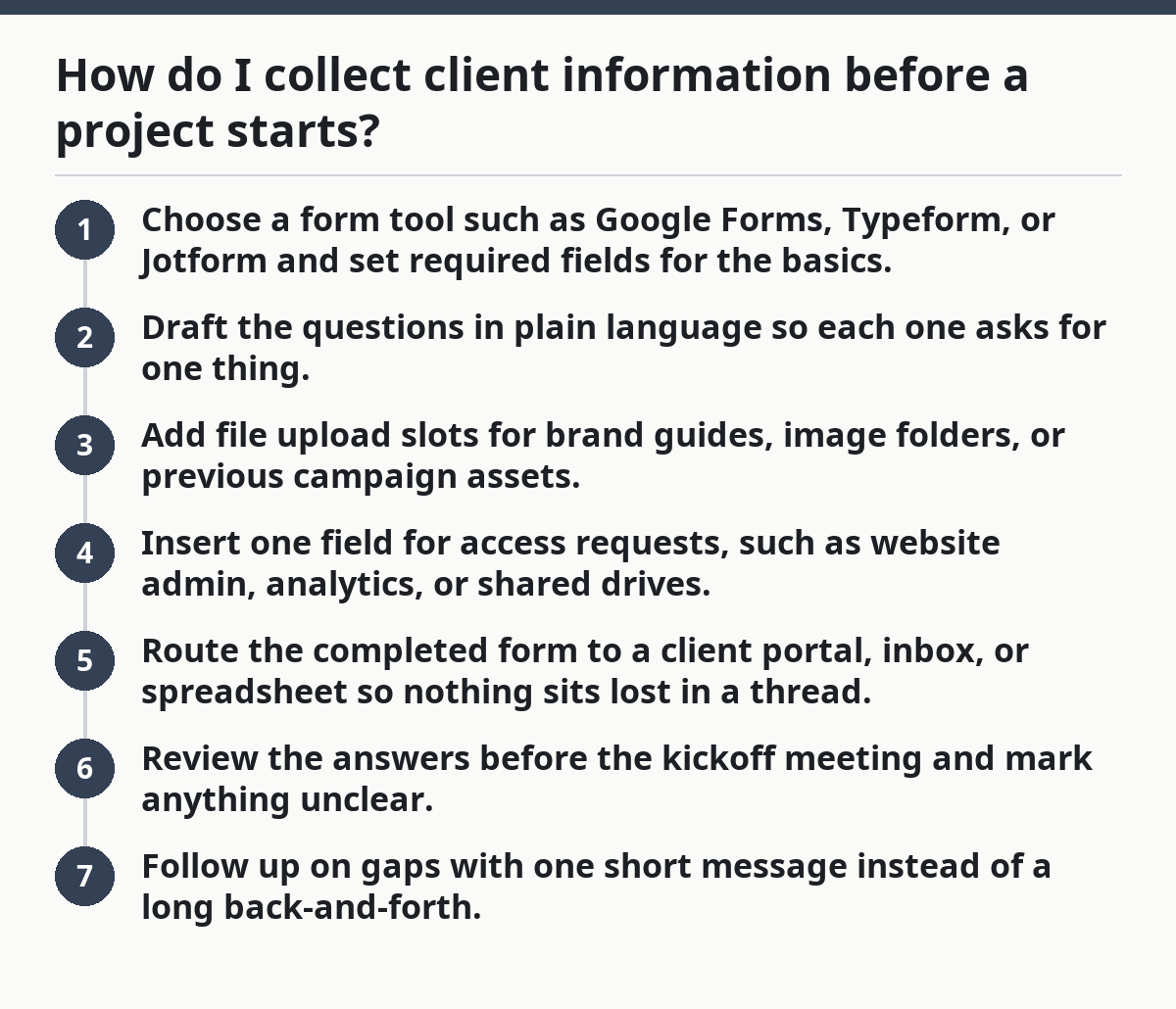
- Choose a form tool such as Google Forms, Typeform, or Jotform and set required fields for the basics.
- Draft the questions in plain language so each one asks for one thing.
- Add file upload slots for brand guides, image folders, or previous campaign assets.
- Insert one field for access requests, such as website admin, analytics, or shared drives.
- Route the completed form to a client portal, inbox, or spreadsheet so nothing sits lost in a thread.
- Review the answers before the kickoff meeting and mark anything unclear.
- Follow up on gaps with one short message instead of a long back-and-forth.
The truth is, the form is not just data collection. It is the first filter for messy projects. If someone cannot fill out a 12-question brief questionnaire, that tells you something useful before you commit hours.
A client portal helps when the work includes files, approvals, and logins in one place. For smaller projects, an email link to the form can be enough. For larger retainers, a portal keeps the intake form, kickoff checklist, and assets closer together.
Do not bury the form after three discovery calls. It wastes time. Send it first, then use the call to clarify the answers you already have. This is the cleanest way to reduce missing details without making the project feel formal or stiff.
What questions actually prevent missed details?
The questions that prevent missed details are the ones that affect scope, schedule, and approvals. That means you need fewer “Tell me about your business” prompts and more direct fields that force a useful answer.
Picture this: you’ve got the task in hand, but the brand colors are in three folders, the deadline is soft, and nobody knows who signs off. That is where a good intake form earns its keep. It should ask for facts, not essays.
Ask these question types:
- Goal questions: What does success look like? What problem should this solve?
- Audience questions: Who is this for? Who is not the target?
- Asset questions: Do you have a logo, style guide, copy deck, product photos, or brand fonts?
- Access questions: Which systems need entry, such as website CMS, analytics, ad accounts, shared docs, or email tools?
- Approval questions: Who gives final sign-off, and who can give feedback only?
- Constraint questions: Are there legal lines, brand rules, or words to avoid?
- Timeline questions: What is the launch date, and are there other dates tied to it?
A project goals field keeps the work from drifting. A stakeholder contacts field keeps feedback from coming from six directions. A brand assets field saves time because you know what already exists instead of recreating it. An access requests field can help prevent the awkward “please send login details” message after the project has started; if account handoff is sensitive, check with the client’s IT or security lead and consult a professional as needed. The U.S. Federal Trade Commission’s advice on protecting logins and account access is a useful reference.
If the work is visual, add a place for examples the client likes and dislikes. If the work is technical, add a place for platform names and account roles. If the work is recurring, add a monthly deadline or publishing day. Specific fields beat vague ones every time.
One mistake is asking for “any other info.” That sounds open, but it often produces vague notes. A better prompt is “List anything that could affect the timeline, approvals, or final files.” That question gets you something usable.
How do you keep the form short without missing things?
You keep the form short by separating must-know fields from “nice to know” fields and by moving the rest to a later checklist. That keeps the first form usable while still giving you a clean second step when the job gets bigger.
Picture this: you want one form that works for a logo project, a website build, and a retainer. If you pack every possible question into the first screen, people will quit halfway through. Short forms get completed. Long forms get abandoned.
Start with the essentials:
- what is being done
- who the work is for
- what outcome is expected
- what files already exist
- who approves changes
- what access is needed
- when the work must land
Then split the rest into a second layer:
- brand tone
- competitive examples
- technical notes
- content inventory
- legal or compliance checks
- measurement details
A kickoff checklist works well for the second layer. The intake form gets the basics, and the checklist handles the items that only matter once the project is confirmed. That keeps the intake form from turning into a dumping ground.
You can use conditional logic. If someone says the project includes a website, then show a field for CMS access. If the project includes a social campaign, then show a field for content formats and publishing dates. Tools like Typeform and Jotform support this well, and Google Forms can cover simpler setups. Google’s help center documents this behavior, and it also notes that required questions reduce incomplete responses.
Here’s the catch: “short” does not mean “generic.” A five-question form that leaves out approvals is too thin. A 20-question form that repeats itself is too fat. The form should feel like a tool, not homework.
Common mistakes that lead to missing details
The most common mistakes are vague questions, duplicate fields, and no required answers on the critical items. Those errors create confusion, delay scoping, and force you to chase information later.
Picture this: the form says “Tell me about your project,” and the answer comes back with a few sentences that still leave you guessing. That sounds friendly, but it is weak intake design. Specific forms create specific answers.
Watch for these failures:
- Asking open-ended questions only. That produces stories, not facts.
- Leaving every field optional. That lets the most important details slip through.
- Skipping role questions. Then feedback comes from people who cannot approve the work.
- Using two forms for one project without a clear split. Then information gets scattered.
- Writing questions in jargon. Then the other side guesses and answers badly.
Each mistake costs time. Vague wording costs revisions. Missing required fields costs email follow-up. No approval contact costs stalled feedback. No access field costs setup delays. These are small errors with big drag.
The fix is simple: mark the essentials as required, keep one question per field, and review the form as if you were the person filling it out for the first time. If a question can be misunderstood, rewrite it.
A strong intake form also needs a clean ending. Add one final prompt such as, “Is there anything else that could change scope, schedule, or delivery?” That one line catches odd details without making the whole form longer.
How should the intake form connect to the kickoff checklist?
The intake form should feed the kickoff checklist so the project starts with facts, files, and owners already in place. That connection stops the common gap between “the form is done” and “now what?”
Picture this: the form has been submitted, but you still need the brand kit, a folder link, and the person who can approve design changes. If the intake form lives alone, you’ll spend time reconstructing the project by hand. A linked checklist keeps the handoff tight.
A good setup looks like this:
- intake form collects the core facts
- client portal stores the completed answers
- kickoff checklist turns those answers into action items
- project notes track any missing pieces
- access requests are confirmed before work begins
The checklist should include the details that matter on day one:
- file links
- login access
- approval contact
- launch date
- deliverable list
- known constraints
- first review date
If the project is simple, the checklist can be a one-page doc. If it is more complex, the checklist can live inside a portal or task tool. The point is not the software. The point is making sure the intake form leads to the next step instead of sitting in a vacuum.
This is also where a lot of freelancers overcomplicate things. They try to make the intake form do the work of a full onboarding system. That is the wrong job. The form should gather information. The checklist should organize action. Keep those roles separate and the process gets easier to run.
For a deeper look at the rest of the handoff after intake, the hub on freelancer client onboarding and delivery fits here. This page is about the questions and fields; that one can handle the broader process around it.
What does a solid intake form look like in practice?
A solid intake form looks like a short questionnaire with required fields, a few conditional prompts, and one place to upload or link assets. It should take minutes to fill out, not a lunch break.
Picture this: a designer needs a brand refresh brief, a copywriter needs product facts, and a social freelancer needs publishing details. The form can be the same shape, but the fields shift to match the job. That is why a reusable template matters.
A practical layout might be:
- section 1: contact info and project name
- section 2: goals and deliverables
- section 3: files and brand assets
- section 4: access requests
- section 5: stakeholders and approvals
- section 6: timeline and notes
That structure works because it follows the way people think about a project. First they name it. Then they describe it. Then they hand over the materials. Then they explain who is involved.
A form like this also helps with handoffs inside a team. If a subcontractor or assistant needs to pick up the work, the answers are already grouped in a way that makes sense. No guessing. No searching through a 40-message thread.
The strongest version is plain, calm, and short. It does not ask for a biography. It asks for what the work needs next.
What should be on a freelance intake form?
A freelance intake form should include project goals, deliverables, brand assets, access needs, contacts, and deadlines. Those fields prevent the most common gaps that cause rework later.
The strongest form also marks the critical items as required. That way, the most useful facts are collected before the kickoff call instead of after work has already started.
How do I collect client information before a project starts?
I collect client information before a project starts by sending a short form first and using the kickoff call only for clarification. The form should go out as soon as the project is agreed in principle.
That approach keeps the first meeting focused and cuts down on repeated questions. A client portal can store the answers, but the form itself should be the entry point.
What questions belong in a client onboarding form?
A client onboarding form should ask who the project is for, what the goal is, who approves the work, what assets exist, and what access is needed. Those questions cover the practical details that shape scope and delivery.
It should also ask for launch dates, constraints, and anything that could affect the final output. If a question won’t change the work, it usually doesn’t belong there.
Drafted with AI; not yet reviewed by a person.